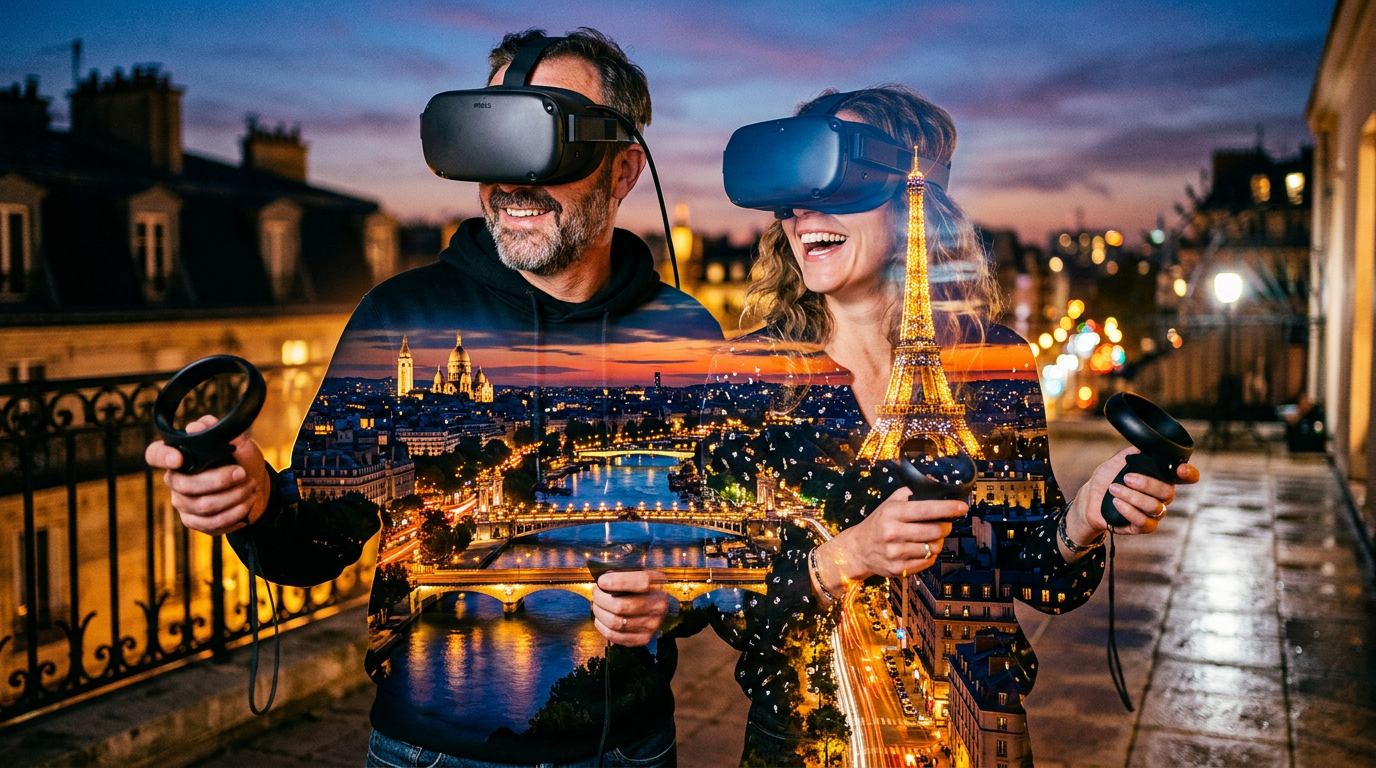
A good alternative to travel in real life (IRL) is virtual travel. You do that when you watch a YouTube video about a bucket list destination or cruise itinerary. But there’s another level to virtual travel: Using virtual reality (VR) headsets.
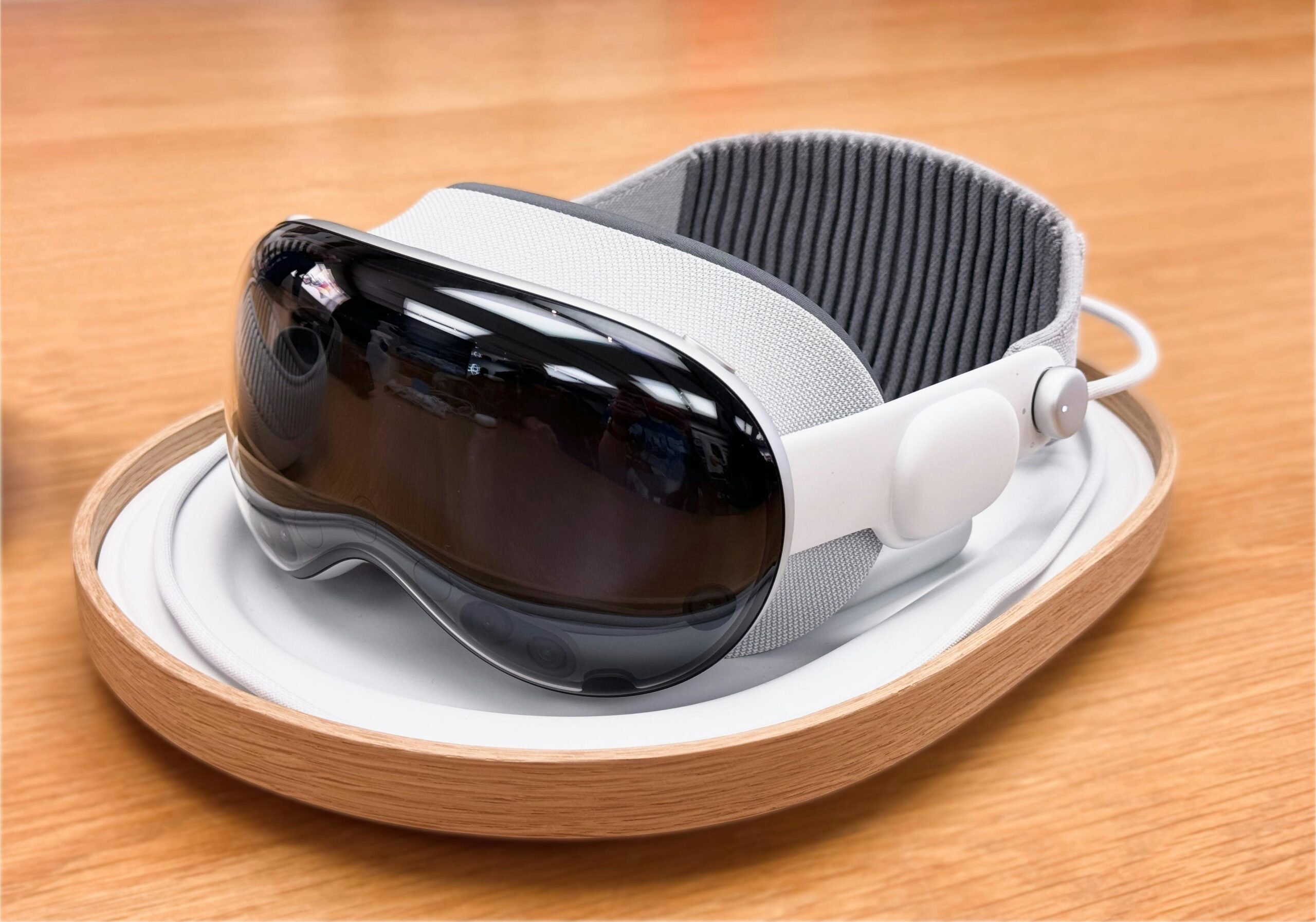
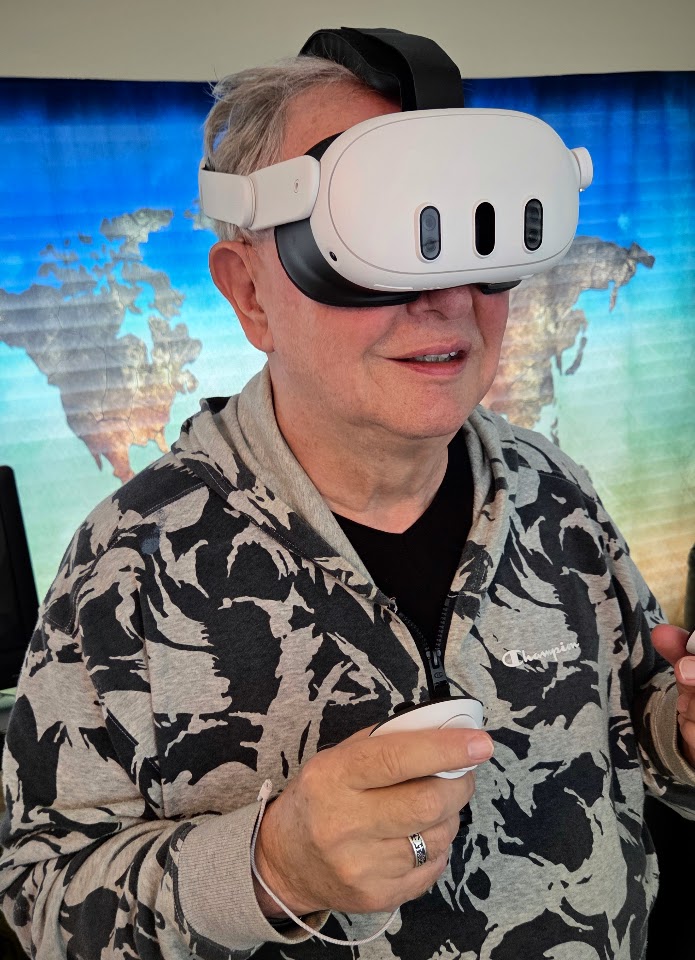
I use the Meta Quest 3 headset. It gives you an excellent experience of visiting a destination.
Why VR Travel? My moto: “I write about travel topics to encourage singles and couples age 50 – 80 who haven’t traveled a lot but want to get out of their easy chairs and see the world!” That thought still guides my Travel 101 series. But not everyone can physically travel as they get older. That’s why I am including Virtual Travel in the 101 series.
I am a semi-retired travel agent and a retired USAF officer who traveled often during a long career. My wife and I are empty-nesters we love helping people become confident travelers and encouraging them to travel wisely.
I enjoy using virtual travel because a simple preview with my Meta Quest 3 can save money, lower stress, and make a choice feel clear.
How We Use Meta Quest 3 to Take a First Look at a Destination
We put on the headset, open an app, and look around before we book anything. I like BRINK Traveler for big natural scenes and Wander for streets and landmarks. The National Geographic Explore VR app is excellent for places like Machu Picchu. An an app called Wooorld is useful for experiencing a broad sense of distance and scale.
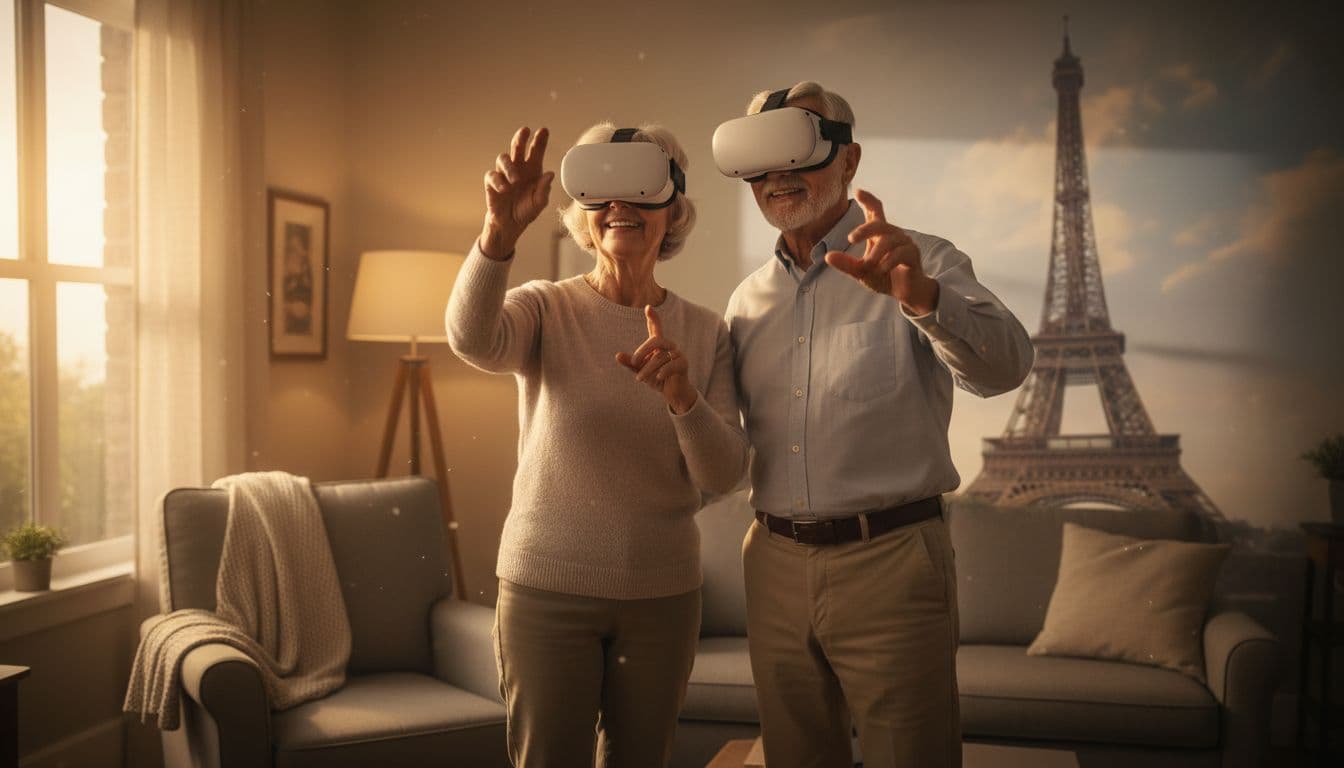
Brochures are so last-century! That first look using VR tells us more than a brochure or even a YouTube vid can. We can sense the size of a canyon, the shape of a plaza. Or how close a hotel area feels to the sights we want to see. Because of that, virtual travel feels less like a toy and more like a quiet scouting trip from our living room.
### I check the streets, landmarks, and walking demands before we book
I look for hills, stairs, long paths, and crowded spaces. We also notice how spread out a place feels. For older travelers, that matters. A town square may look charming online, yet the walk to it may be longer than our knees would enjoy.
Reasons to Travel Virtually Before a Real Trip, or Instead of One
We don’t use virtual travel to replace every trip. We use it to make wiser choices and keep the joy in travel.
Explore places that spark our curiosity
Some places call to us long before we book them. We may visit Machu Picchu, the Great Pyramids, London Bridge, or the Panama Canal in VR first. That early visit helps us trim a wish list and build excitement for the places that truly fit us.

Investigate places that may not fit our comfort level
A place can sound wonderful and still feel wrong for us. So we preview crowd levels, rough ground, long walks between sights, and the general pace. Then we know whether to go now, wait a while, or use more caution. Or just say, like an Australian, “Yeah, nah.” (Skip it!)
Visit some places virtually because the real trip asks too much of the body
Some destinations require steep climbs, or uneven paths, or more stamina than we want to spend. VR lets us enjoy the view anyway. That still counts as a meaningful travel experience, because wonder does not always require a plane ticket.
Virtual Travel Builds Confidence for Adventurers Over 50
For newer travelers, fear often comes from not knowing what a place will feel like. A virtual preview softens that fear. We can picture the setting, judge the effort, and choose with more peace.
We will share more in future articles about how to travel virtually, especially for older adults with mobility limits.
A short virtual visit can turn a maybe into a clear yes, or a wise no
Even 10 to 15 minutes can tell us a lot. A place may feel inviting, tiring, or better saved for later. That kind of clarity gives us courage, and courage often starts small.
Is a VR Headset Expensive?
The Quest 3 sells for $500 – 650. Think of it as the price of one airfare. And, yes, there are some paid apps that you will need for VR travel. I will describe some of those in a future article.
I look at it this way: I want to avoid wasting a trip to a meh-destination. And, it helps my planning to know what a leg of a trip will look or feel like. What’s that worth?
And for older travelers with mobility restrictions, including tiring easily, using a VR headset may be an excellent way to travel. Just because you’re less mobile doesn’t mean you can’t stay curious and travel, virtually!
Now, Do This
We welcome questions on how to travel virtually. And we’d love to hear how you use VR devices to travel and avoid air travel. What apps do you use? What sources of VR vids do you love?
Do This One Thing: Choose one place that’s on your “bouquet list” then preview that destination on YouTube. Now, imagine using a VR headset to “take a look around” literally, in 360-degrees.